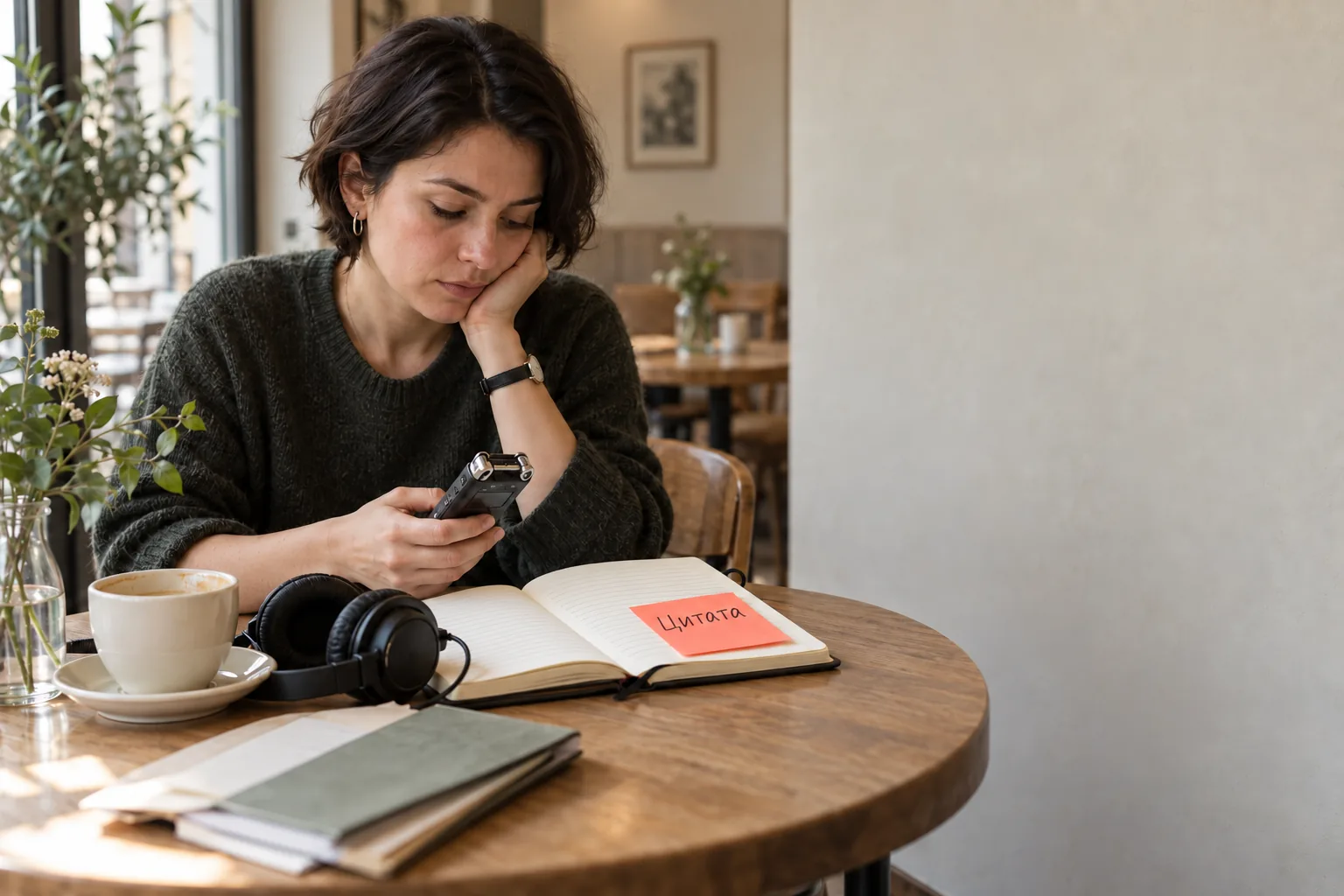
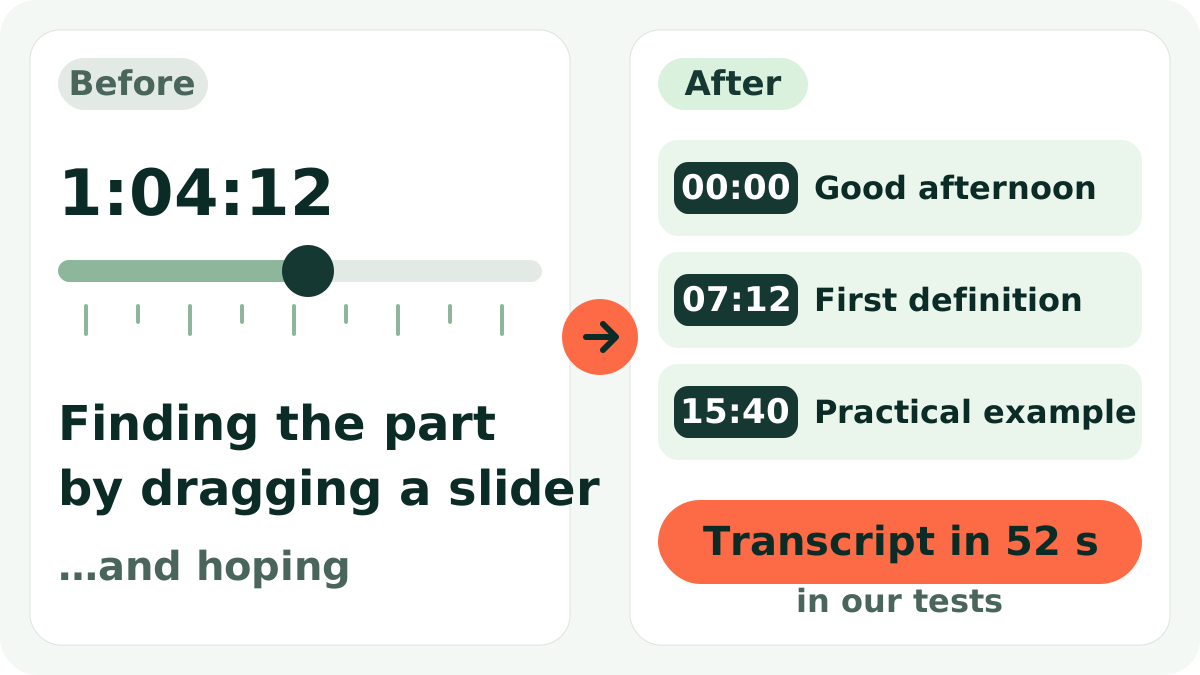
Exams are a week away and you have three hours of recorded lectures you never replayed. The professor spoke fast, you missed half of it, and hunting for one topic with a slider takes an evening. The same goes for people taking online courses, and for lecturers who want a text version for course materials.
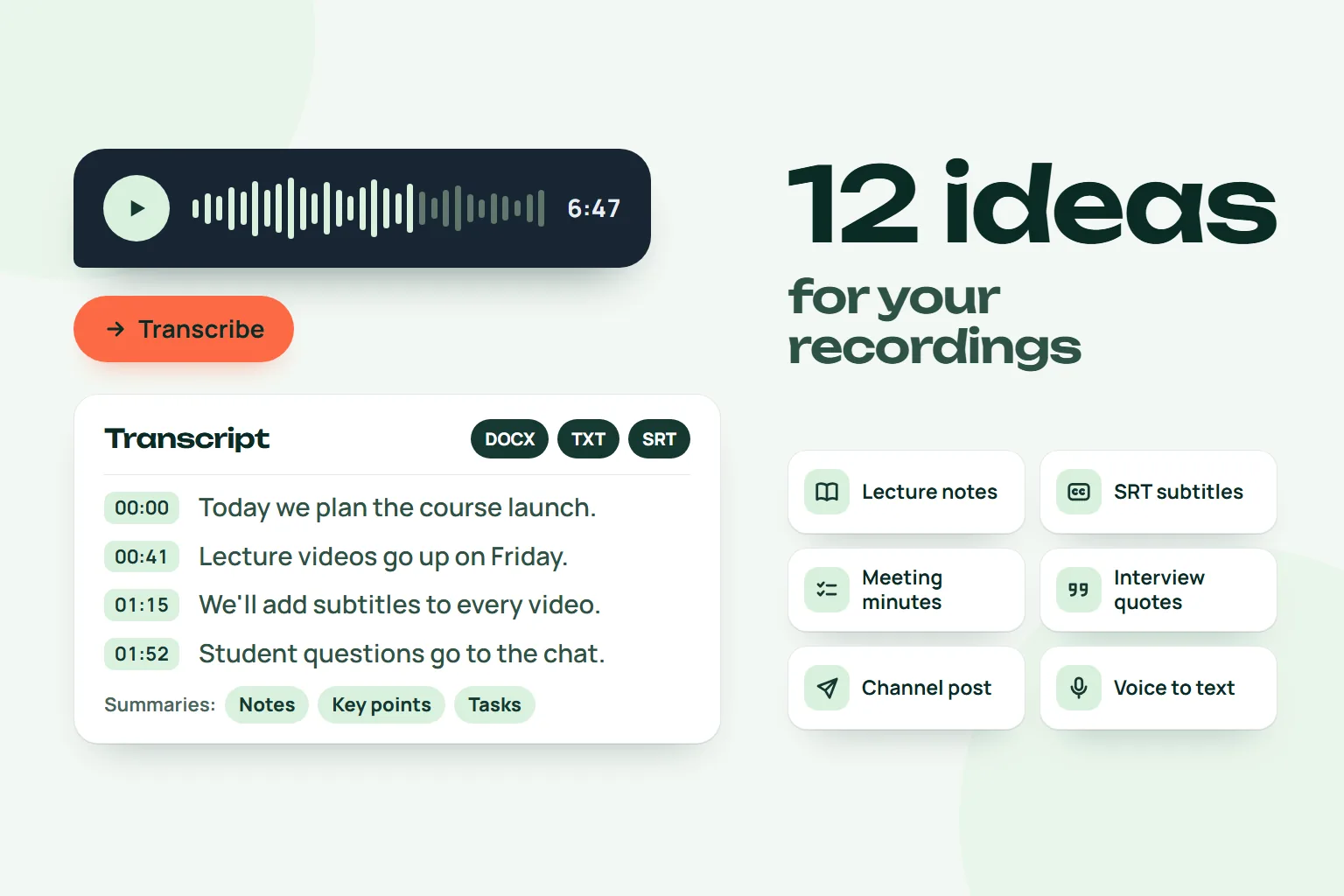
Short answer: send the lecture recording to the Slovo v slovo bot, tap "Расшифровать" (Transcribe) and receive timestamped text. Then the "Выжимки" (Summaries) button builds notes, key points and an outline. Three transcriptions a month are free.
Please note: the bot works in Telegram, its buttons are in Russian, and Russian is the priority language. English and auto-detect exist in settings, but for lectures in English expect lower accuracy and check the result.
Step by step
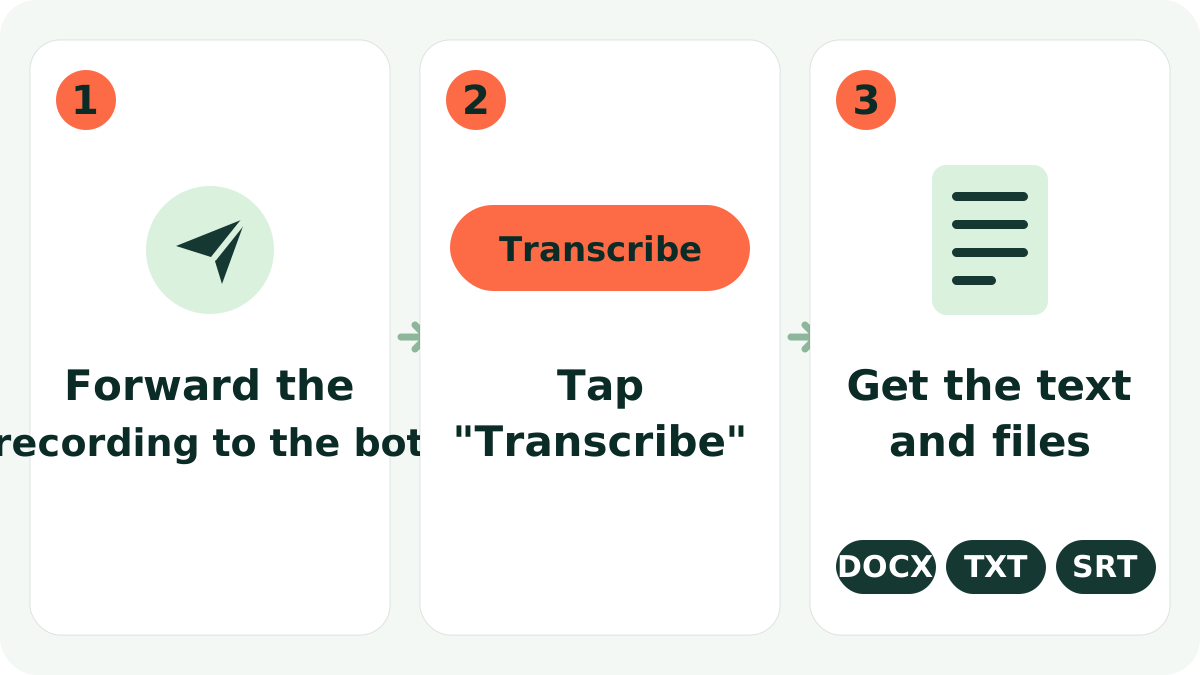
- Send the recording to the bot. Audio, video, or a link to YouTube, VK, Rutube or Yandex Disk. A recording from a voice recorder can go as an audio file or a voice message.
- Tap "Расшифровать". The bot asks to confirm; confirm.
- Get the text and files. You receive text in the chat plus DOCX, TXT and SRT files. DOCX opens in Word for highlighting; SRT can serve as subtitles for the video.
- Tap "Выжимки". Choose notes, key points, an outline with timestamps, Q&A, action items or quotes.
Telegram gives bots files up to 20 MB, and lecture videos are usually bigger. Upload to Yandex Disk and send the link instead. The same flow works in the web chat.
Example result
A fragment of an economics lecture and the outline built from it:
 Slovo v slovoWhat the bot replies
00:00 Today we look at how price is formed under
00:07 a monopoly and how it differs from a competitive market.
07:12 First question: why can't a monopolist raise the price indefinitely?
14:40 Now back to the demand curve and elasticity.
Outline
00:00 Price under monopoly and competition
07:12 Limits on a monopolist
14:40 Demand curve and elasticity
(The bot returns the original language of the recording; this example is translated.) The timestamped outline is what saves the most time before an exam: you see the structure and jump straight to the right place.
How to work with the text
- Outline first, details later. Go through the topics, mark what is unclear, and replay only those parts.
- Key points for revision. A short list of main ideas works well the day before a test.
- Q&A lets you test yourself: read the question, try to answer, then check.
- Course materials. If you teach, the transcript is a ready draft for handouts. You will still need to edit it.
Quality tips
- Recording. Put the recorder closer to the lecturer. Room noise and coughing hurt but are usually not critical.
- Questions from the audience are often quiet. If they matter, check those places by timestamp.
- Terms and names. Specialised words and surnames are sometimes misrecognised. Compare with slides or the textbook.
- Web cabinet. There you can listen to the recording beside the text and fix inaccuracies.
Who it is for, and what it does not do
It suits students, course and webinar participants, teachers and trainers. For recordings of conversations, see interview transcription.
The limits: the bot does not replace careful reading and does not guarantee error-free text. A summary is a short retelling and can miss a nuance or a formula, so for important points check the full transcript. Formulas and whiteboard drawings will not appear in the text: the bot only works with sound. Speaker separation is on paid plans.
Privacy: the source file is deleted right after transcription, the listening copy in the cabinet is kept up to 30 days, and the text can be deleted with a button.
Try it
The free plan gives 3 transcriptions a month, up to 120 minutes each, enough for a couple of lectures. For more, paid plans start at 349 RUB a month; see the site for details. Transcribe a lecture in the bot.
FAQ
Can I transcribe a 2-3 hour lecture?
Yes, if it fits the per-file limit: up to 120 minutes on the free and Start plans, up to 240 on Pro and Business.
How fast is it?
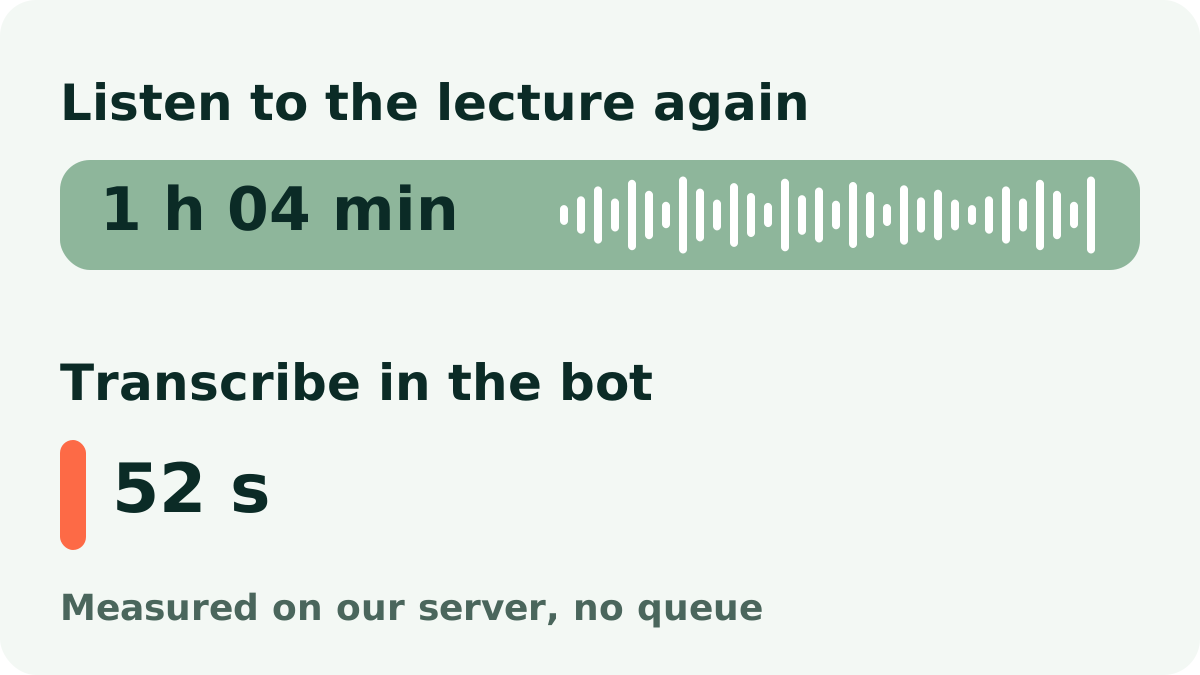
In our measurements, one hour of audio (1 h 04 min) took 52 seconds. Time depends on length and load.
What are "summaries"?
A button under the transcript: notes, key points, a timestamped outline, action items, quotes, Q&A, a post.
The lecture is a YouTube video. Will that work?
Yes. Send a YouTube, VK, Rutube or Yandex Disk link and the bot transcribes the audio.
Should I check the result?
Yes, especially terms, names and numbers. Use timestamps to find the spot quickly.
Try it on your own recording
Send a voice message or a video to the bot and the text arrives right in the chat. The first minutes are free.
Transcribe in the bot