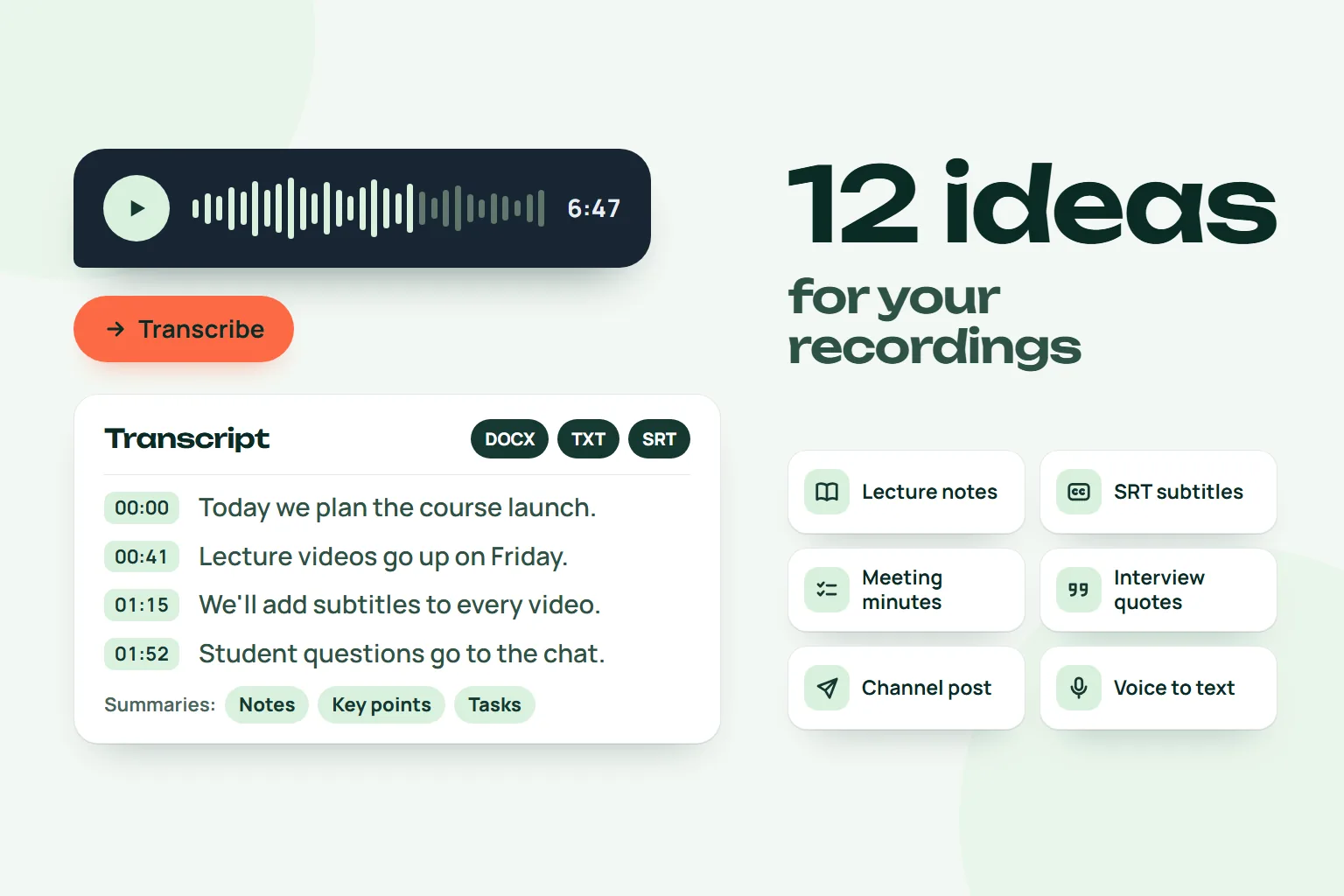
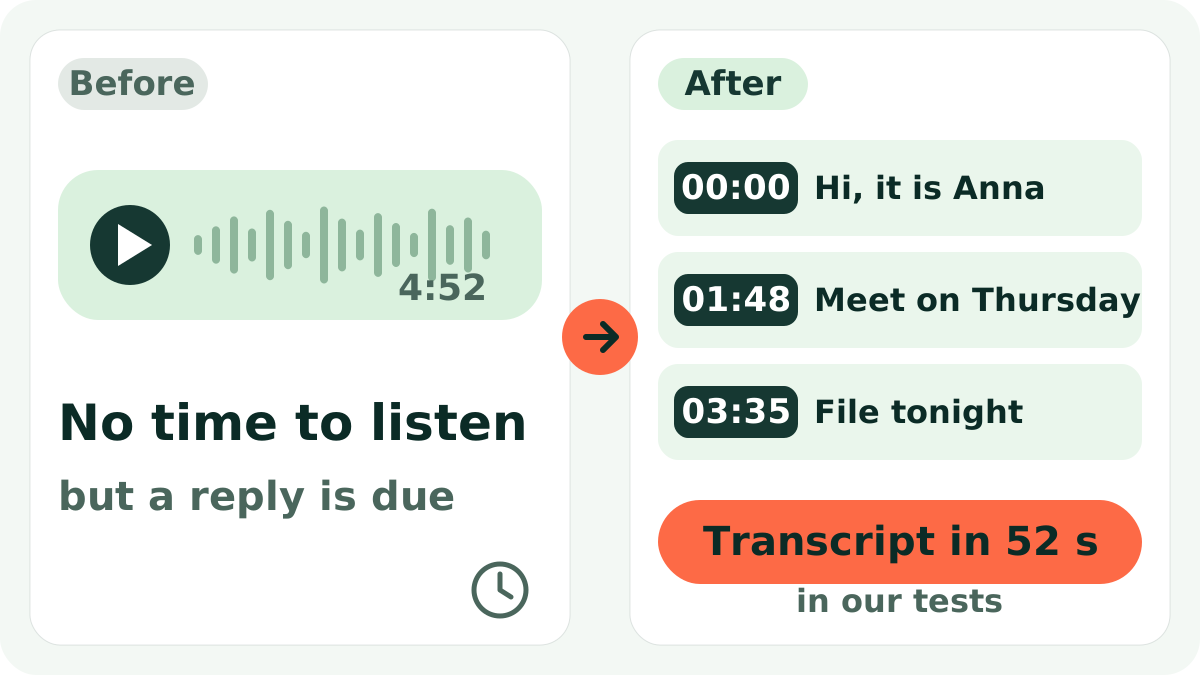
A six-minute voice message lands in your chat. You are on the subway without headphones, or in a meeting, and all you really need is one line: "see you Thursday at six". Scrubbing through audio to find it is a pain, and asking the sender to "just type it" feels rude.
Short answer: forward the voice message to the Slovo v slovo bot and tap the "Расшифровать" (Transcribe) button. In a minute or two you get the text in the chat plus TXT, DOCX and SRT files. Three transcriptions a month are free.
One honest note first: the bot is built for Russian speech and its buttons are in Russian. Russian is the priority language. English and auto-detect are available in the settings, but we do not promise the same quality, so read English results carefully.
Step by step
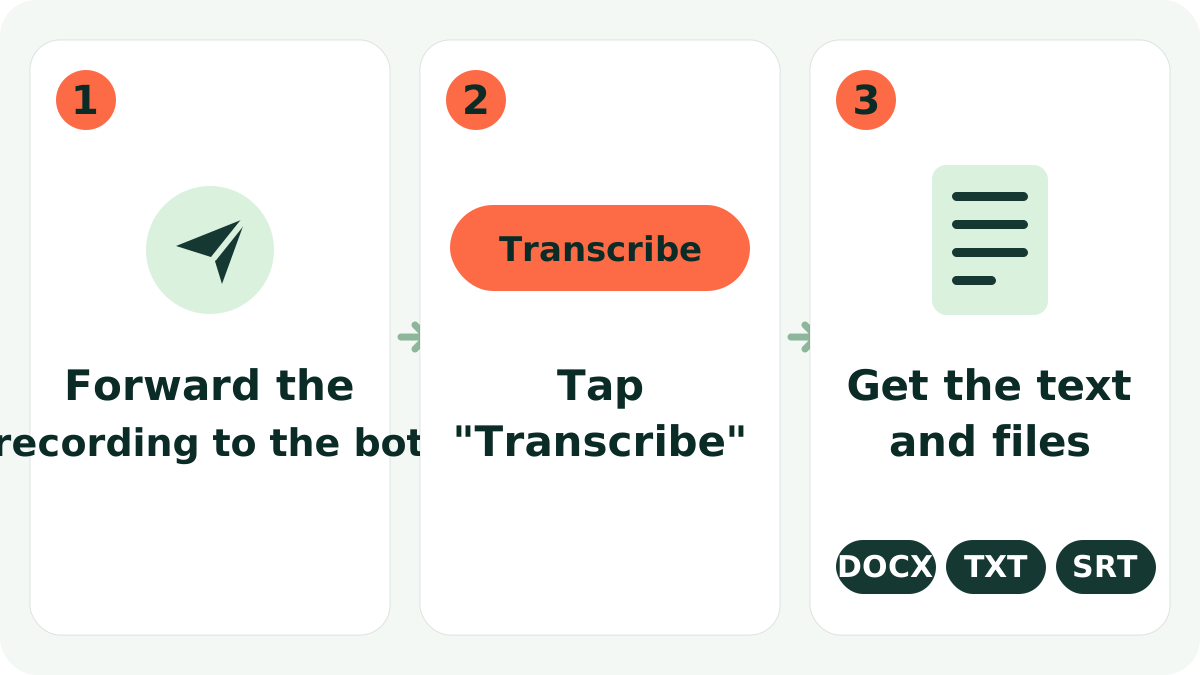
- Forward the recording to the bot. Open @slovo_vslovo_bot in Telegram and forward a voice message or a video note. Audio files, video files and links (YouTube, VK, Rutube, Yandex Disk) work too.
- Tap "Расшифровать". The bot asks whether to transcribe this recording. That is a safeguard against accidental runs.
- Get the text and files. The text arrives in the chat, along with DOCX, TXT and SRT (subtitle) files that are easy to forward or save.
- Need only the gist? Tap "Выжимки" (Summaries). You can get notes, key points, a table of contents with timestamps, action items, quotes, Q&A, or a post for a channel.
On a computer you can do the same in the web chat.
What the result looks like
A voice message about plans for the week becomes timestamped text. The bot returns the words in the language of the recording; here the example is translated for illustration:
 Slovo v slovoWhat the bot replies
00:00 Hi, it's about Thursday. We agreed to meet
00:09 at six in the evening by the entrance, but I'll be a bit late.
00:17 Please bring the contract, it's in the left folder.
00:26 And tell Marina the presentation moved to Friday.
You skim it in seconds and see the time, the request and the task. For a short message the saving is small; for a ten-minute monologue from a client or a colleague it is huge.
Everyday situations
- A manager gets voice messages from the team on the road, reads them between meetings and replies without turning the sound on.
- A student records thoughts after a class and turns them into the base of study notes.
- A parent in a school chat gets a five-minute voice message from the teacher; in text the important line is found in seconds.
Tips for better accuracy
- Quiet background, better text. Street noise, music and room echo hurt recognition. If you record yourself, hold the phone closer.
- One speaker at a time. When people talk over each other, words get lost.
- Language. Russian is the main language. In
/settingsyou can choose Russian, English or auto-detect. - Large files. Telegram gives bots files up to 20 MB. For bigger ones, upload to Yandex Disk and send the link.
- Check doubtful spots by timestamp. Names, amounts, dates and terms deserve a second look; the timestamp tells you where to listen. In the web cabinet you can play the audio next to the text and edit it.
Who it is for, and what it does not do
It suits anyone who receives long voice messages: managers, students, freelancers, parents. For calls see meeting minutes; for study see lecture transcription.
The limits, honestly:
- The bot does not guarantee a flawless text. Noisy audio, heavy accents and overlapping speech cause mistakes.
- It captures words, not tone: irony can read like a serious statement.
- Speaker separation (who said what) is available on paid plans; on the free plan you get continuous text.
On privacy: the source file is deleted right after transcription. A listening copy in the cabinet is kept for up to 30 days, and you can delete the transcript with a button.
Try it
The free plan gives 3 transcriptions a month, each up to 120 minutes. That is enough to test the bot on your own voice messages. Paid plans start at 349 RUB a month; details are on the site. Open the bot and forward your first voice message.
FAQ
Can it transcribe video notes (circles)?
Yes. Voice messages, video notes, audio and video are handled the same way: forward and tap the button.
How long does it take?
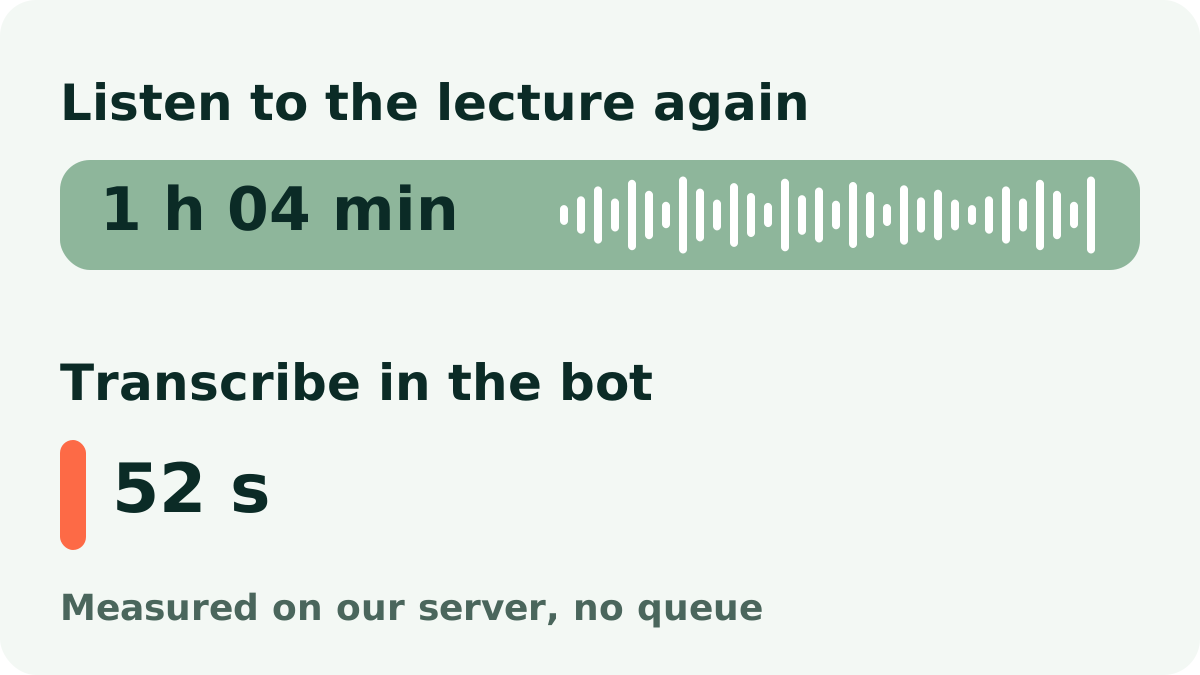
In our measurements, one hour of audio (1 h 04 min) was transcribed in 52 seconds. Real time depends on file length and queue load.
Is it free?
Three transcriptions a month are free; limits reset on the 1st. Paid plans are listed on the site.
What happens to my recording?
The source file is deleted right after transcription. The listening copy lives up to 30 days, and the text can be deleted with a button.
Does it understand English?
English and auto-detect are in the settings, but Russian is the main language, so double-check English output.
Try it on your own recording
Send a voice message or a video to the bot and the text arrives right in the chat. The first minutes are free.
Transcribe in the bot