
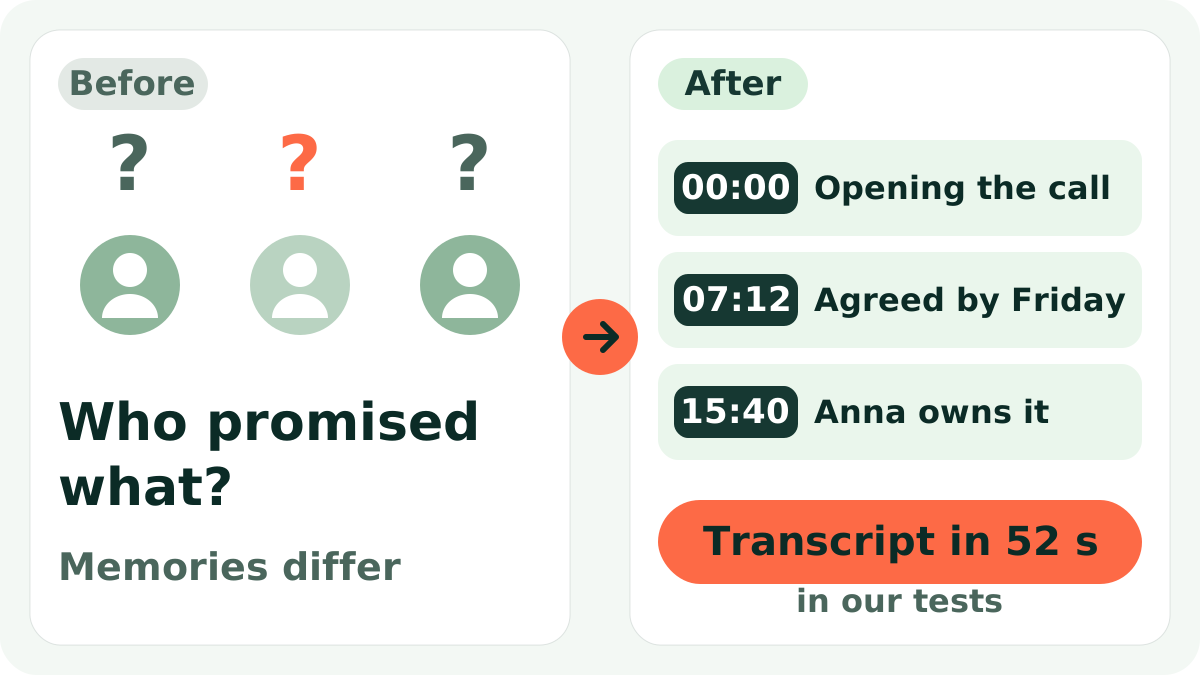
The stand-up is over, everyone has left, and you are wondering who promised what and by when. Taking notes during the discussion is awkward, and afterwards memory says "I think we agreed on Friday". A week later it turns out nobody understood the task the same way.
Short answer: record the call (in your video tool or on a voice recorder), forward the file to the Slovo v slovo bot, tap "Расшифровать" (Transcribe), then "Выжимки" (Summaries) and pick the action-items option. You get the meeting text and a list of tasks from which minutes take a few minutes to assemble. Three transcriptions a month are free.
A fair warning: the bot works in Telegram with Russian buttons, and Russian is the priority language. English and auto-detect are in the settings, but if your meeting is in English, expect more errors and check names and numbers.
Step by step
- Record the meeting. Tell participants that it is being recorded. Most video-call tools can save a recording; otherwise put a recorder on the table.
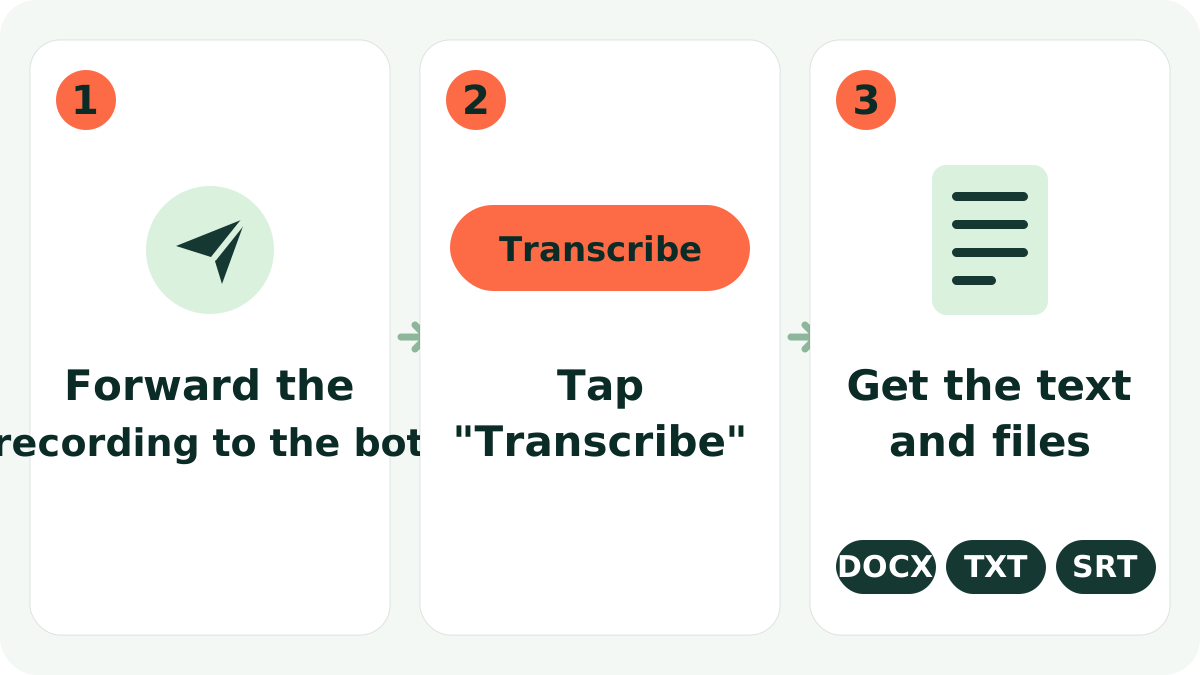
- Forward the recording to the bot. A file up to 20 MB goes straight to @slovo_vslovo_bot. For heavier files, upload to Yandex Disk and send the link (YouTube, VK and Rutube links work as well).
- Tap "Расшифровать". If you need to know who spoke, switch on speaker separation in
/settings; it is on paid plans. - Get the text and files. The transcript arrives with DOCX, TXT and SRT files.
- Tap "Выжимки". For minutes, notes, key points and especially action items are useful. You then review and complete the result by hand.
The same flow is available in the web chat.
Example result
A fragment of a stand-up with speaker separation and the task list from the summary (translated here for illustration):
 Slovo v slovoWhat the bot replies
00:00 Speaker 1: Let's start with the release. How is testing?
00:12 Speaker 2: Two bugs left, I'll close them by Thursday.
00:31 Speaker 1: Then Olga prepares the newsletter text by Friday.
00:44 Speaker 3: Yes, I'll send a draft on Wednesday evening.
Action items
- Close two bugs - Speaker 2 - by Thursday
- Prepare newsletter text - Olga - by Friday (draft on Wednesday)
The timestamps matter: if someone disputes an agreement, you find the moment in the recording in seconds and replay exactly that part.
Turning the summaries into minutes
- Date, attendees, agenda. You write these yourself; the bot only knows what was said in the recording.
- Decisions. Take them from the notes and key points, then check the wording: a decision has to be precise.
- Tasks. The action-items list is the base. Add owners and deadlines if they were not stated clearly.
- Open questions. Mark what was postponed; in speech it often sounds like "let's get back to this later".
Recording quality tips
- Microphone. One shared laptop in a meeting room records worse than a headset or the video tool's own recording.
- Take turns. Overlapping speech is the main enemy: crossed phrases are transcribed with losses.
- Names and abbreviations. Project names, surnames and numbers should be checked by timestamp, especially if they go into the minutes.
- Meeting length. Per file: up to 120 minutes on the free and Start plans, up to 240 on Pro and Business.
Who it is for, and what it does not do
It suits team leads, project managers, founders and anyone who runs client calls. If your team lives in Telegram groups, there is also the Chat Manager with summaries, tasks and reminders in the group.
The limits: the bot does not join the meeting; it processes a finished recording. It does not replace the person who reviews minutes before sending, and it does not guarantee accuracy: verify names, amounts and deadlines. It may miss a task that was only hinted at. On the free plan you get the whole text; speaker separation is on paid plans.
Data: the source file is deleted right after transcription, the listening copy in the cabinet is kept up to 30 days, and the text can be deleted with one button. If a meeting is confidential, consider that yourself and agree on recording with participants.
Try it
The free plan gives 3 transcriptions a month, up to 120 minutes each, enough to test on your next calls. Paid plans start at 349 RUB a month; see the site. Transcribe a call in the bot.
FAQ
Will the bot join my call?
No. You record the meeting yourself and send a finished file or a link.
Can it tell who said what?
Yes, on paid plans speaker separation gives "Speaker 1", "Speaker 2". You add the real names yourself.
How fast will the minutes be ready?
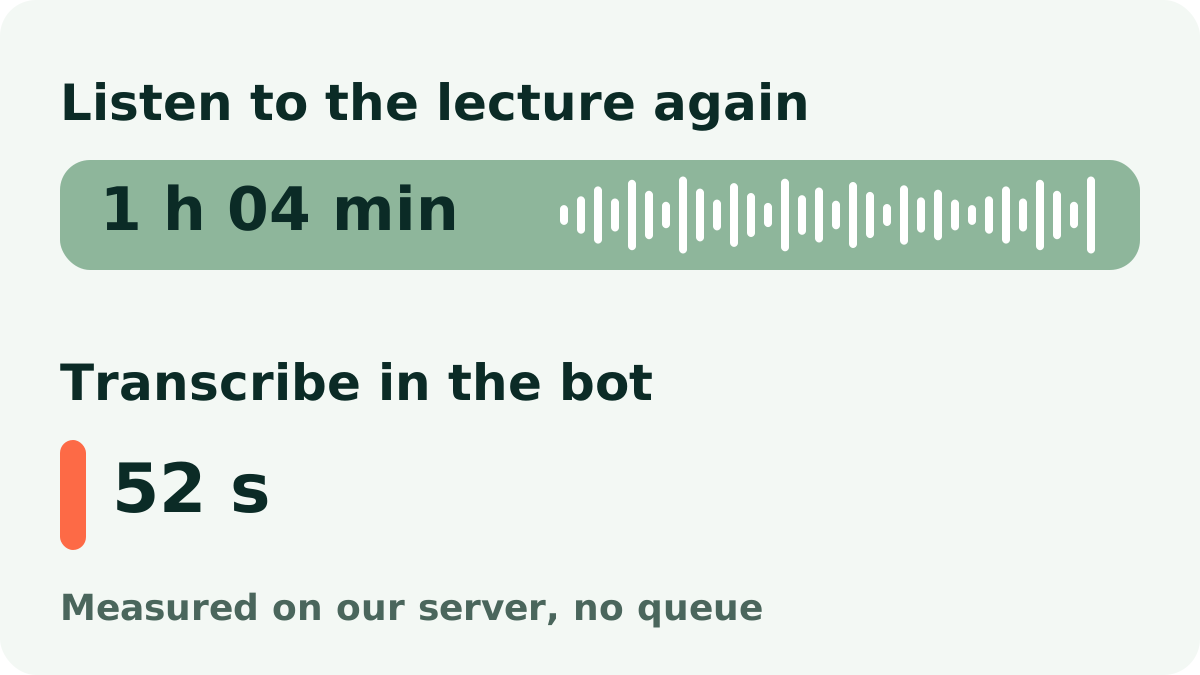
In our measurements, one hour of audio (1 h 04 min) took 52 seconds. The rest is your review time.
Which files work?
Audio, video, voice messages and links to YouTube, VK, Rutube and Yandex Disk. Directly in Telegram, files up to 20 MB.
Can I send the minutes without checking?
No. Verify names, deadlines and numbers by timestamp; the bot can make mistakes, especially on noisy recordings.
Try it on your own recording
Send a voice message or a video to the bot and the text arrives right in the chat. The first minutes are free.
Transcribe in the bot